Why Does Your Phone Keep Rotating During Calls—And Did Google Just Solve It?
Few smartphone annoyances feel as unnecessary as your screen suddenly rotating in the middle of a phone call. You lift the phone, shift slightly, or lie down—and suddenly the call interface flips sideways. Buttons move, the layout changes, and for a moment, even ending the call feels awkward. For years, this has been a quiet frustration for many Android users. Now, Google appears to have finally addressed it.
The Problem Behind Call Screen Rotation
Smartphone screen rotation is controlled by motion sensors that detect how a device is being held. When auto-rotate is enabled, the system responds instantly to changes in orientation. This works well for videos, photos, and games—but during phone calls, the same logic can become intrusive.
In recent versions of the Google Phone app, calls began supporting a landscape layout. When the phone tilted horizontally, the call screen switched to a wider, two-column interface showing contact details alongside call controls. While this layout was technically efficient and looked fine on large displays, it wasn’t always practical. Many users found the rotation happening unintentionally during everyday use, such as walking, reclining, or holding the phone at an angle.
The only workaround was disabling auto-rotate entirely, which affected the entire system rather than just calls. That solution felt excessive for a problem limited to one app.
Google’s Recent Fix: A Portrait Lock for Calls
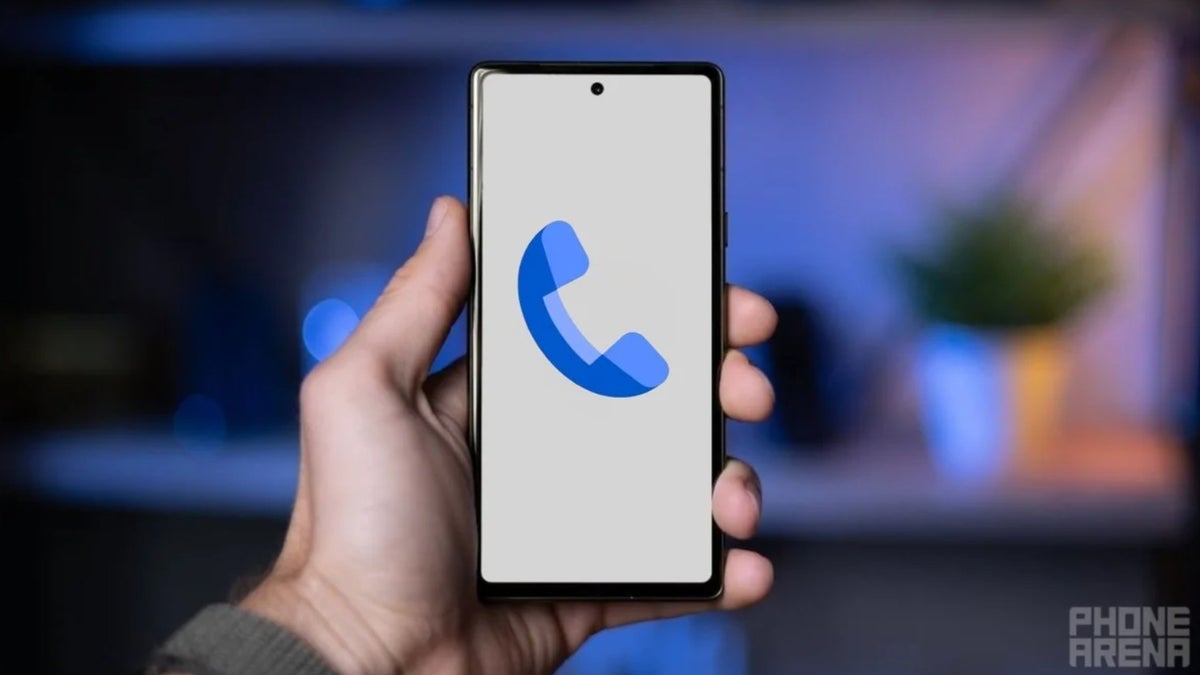
Google’s latest update introduces a simple but effective solution: a dedicated “Keep portrait mode on calls” setting inside the Phone app. Instead of relying on the system’s orientation behavior, this option locks the call interface in portrait mode, regardless of how the device is tilted during a call.
The feature can be found within the Phone app’s display settings and is enabled by default for many users. Those who prefer the landscape call layout can still turn it off, making the change flexible rather than restrictive.
This fix reflects a growing focus on usability feedback. Rather than removing the landscape layout altogether, Google chose to give users direct control. The result is a more predictable call experience without sacrificing functionality for those who want it.
Why This Small Change Matters
Phone calls are among the most basic functions of a smartphone. When something goes wrong at that level—especially something as frequent as screen rotation—it becomes disproportionately frustrating. During a call, users expect stability: buttons in familiar places, a layout that doesn’t shift, and minimal distractions.
By isolating orientation behavior specifically for calls, Google avoids forcing users into system-wide compromises. It’s a subtle change, but one that directly improves day-to-day usability, especially for people who are frequently on the move.
How Apple Handles Call Orientation
Apple has largely avoided this issue by design. On iPhones, standard voice calls typically remain locked in portrait orientation, regardless of how the device is held. The call interface does not automatically rotate into landscape mode during regular phone calls, which removes the need for a dedicated toggle.
Apple instead relies on a global orientation lock found in Control Center for users who want more control across the system. Because the Phone app itself stays portrait-focused, accidental rotation during calls is rarely an issue on iOS.
Where Apple does allow more flexibility is in FaceTime and video-based communication, where orientation changes are intentional and expected. In those cases, landscape mode enhances the experience rather than disrupting it.
Android vs Apple: Two Design Philosophies
The contrast between Google and Apple highlights a broader difference in platform philosophy.
-
Android (Google Phone app): Offers flexibility and feature depth, sometimes at the cost of consistency. The new portrait lock shows Google responding to feedback rather than enforcing a single behavior.
-
Apple (iOS): Prioritizes consistency and predictability in core apps, reducing the need for additional settings but offering less customization.
Neither approach is inherently better, but Google’s recent update brings Android closer to Apple’s call stability while maintaining Android’s customization advantage.
Final Thoughts
The new “Keep portrait mode on calls” setting won’t make headlines the way major OS updates do, but it solves a real, everyday annoyance. It’s a reminder that good user experience isn’t always about adding features—sometimes it’s about preventing friction.
For Android users tired of their call screen flipping at the worst moments, Google’s fix feels overdue but welcome. And when compared to Apple’s long-standing approach, it shows that even small interface decisions can have a big impact on how a phone feels to use.
Who Appears in the Epstein Files? A Look at the Powerful Figures Named | Maya