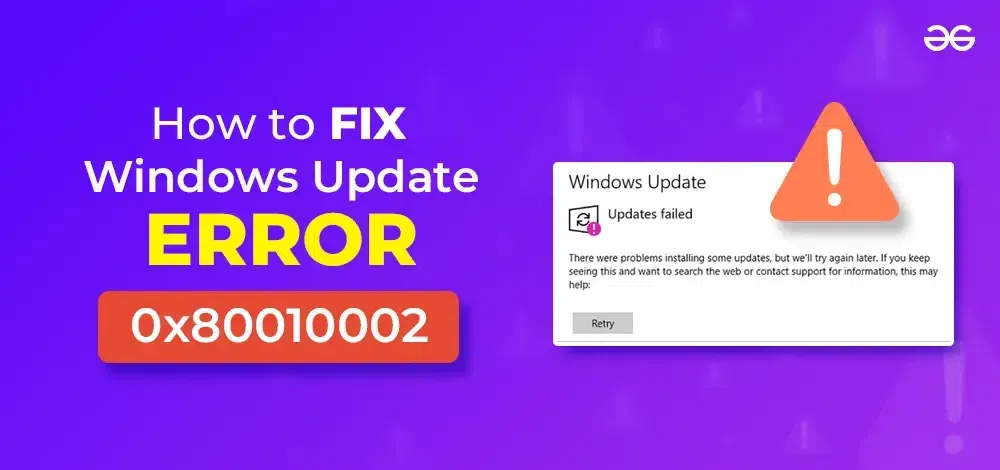
Microsoft Windows Update Bug: Network-Restricted Systems Hit by 0x80010002 Error After January 2026 Update- Microsoft has confirmed a new issue affecting certain enterprise and restricted-network Windows environments after users install the January 2026 optional non-security preview updates. The problem is causing Windows Update failures, particularly in tightly controlled setups such as air-gapped systems and heavily firewalled enterprise networks.
According to Microsoft, affected systems may encounter the error code 0x80010002 when attempting to use Windows Update through the Settings app. The issue specifically impacts environments where outbound internet access is limited or heavily filtered, making update delivery more sensitive to timing and connection constraints.
Microsoft explained that while some systems can still download the February monthly security update, they may subsequently fail when trying to retrieve updates released in March, April, or later months. This means devices can appear to update normally at first, but later become unable to continue receiving new cumulative updates through standard Windows Update channels.
Importantly, Microsoft clarified that the issue is not related to system corruption or device health. Instead, it stems from recent changes to download timeout requirements that affect how Windows Update initiates and manages update downloads. In other words, the bug is tied to the update process itself, not the underlying operating system integrity.
The company emphasized that the failure occurs only in the update delivery mechanism through the Windows Update interface in Settings. Systems may still be otherwise fully functional, and the issue does not prevent installation of updates once they are successfully downloaded.
To address the problem, Microsoft is actively working on a fix. In the meantime, IT administrators have been advised to use Known Issue Rollback (KIR), a built-in Windows mitigation system that allows enterprises to disable problematic update changes without uninstalling the update entirely.
Microsoft recommends that administrators deploy the appropriate Group Policy configuration for their specific Windows version to activate the rollback. Once applied, systems typically require a restart for the policy to take effect and restore normal Windows Update behavior.
Admins can also refer to Microsoft’s official documentation for detailed guidance on how to deploy and manage KIR policies across enterprise environments. This approach is particularly important for organizations running large fleets of managed devices where manual remediation would be impractical.
This is not the first time Windows Update has caused friction in enterprise environments. In April 2025, Microsoft addressed a separate issue where customers were unable to install updates via Windows Server Update Services (WSUS), disrupting patch management workflows in corporate networks.
A similar issue surfaced in August 2025, when Windows 11 version 24H2 cumulative updates failed with error 0x80240069, again affecting systems relying on WSUS-based deployment.
More recently, Microsoft released another KIR-based workaround for a bug affecting the May 2026 Windows 11 security update (KB5089549), which caused installation failures and triggered error 0x800f0922 on some devices.
Taken together, these incidents highlight an ongoing challenge for Microsoft: maintaining stable update delivery across increasingly complex enterprise and restricted-network environments. While Windows Update is designed to operate seamlessly in most consumer scenarios, controlled enterprise networks often expose edge cases where timing, connectivity rules, and update logic can break in unexpected ways.
For now, Microsoft’s guidance remains focused on mitigation through KIR and Group Policy while a permanent fix is developed. The SpaceX IPO Could Trigger a Massive Tesla Selloff | Maya