
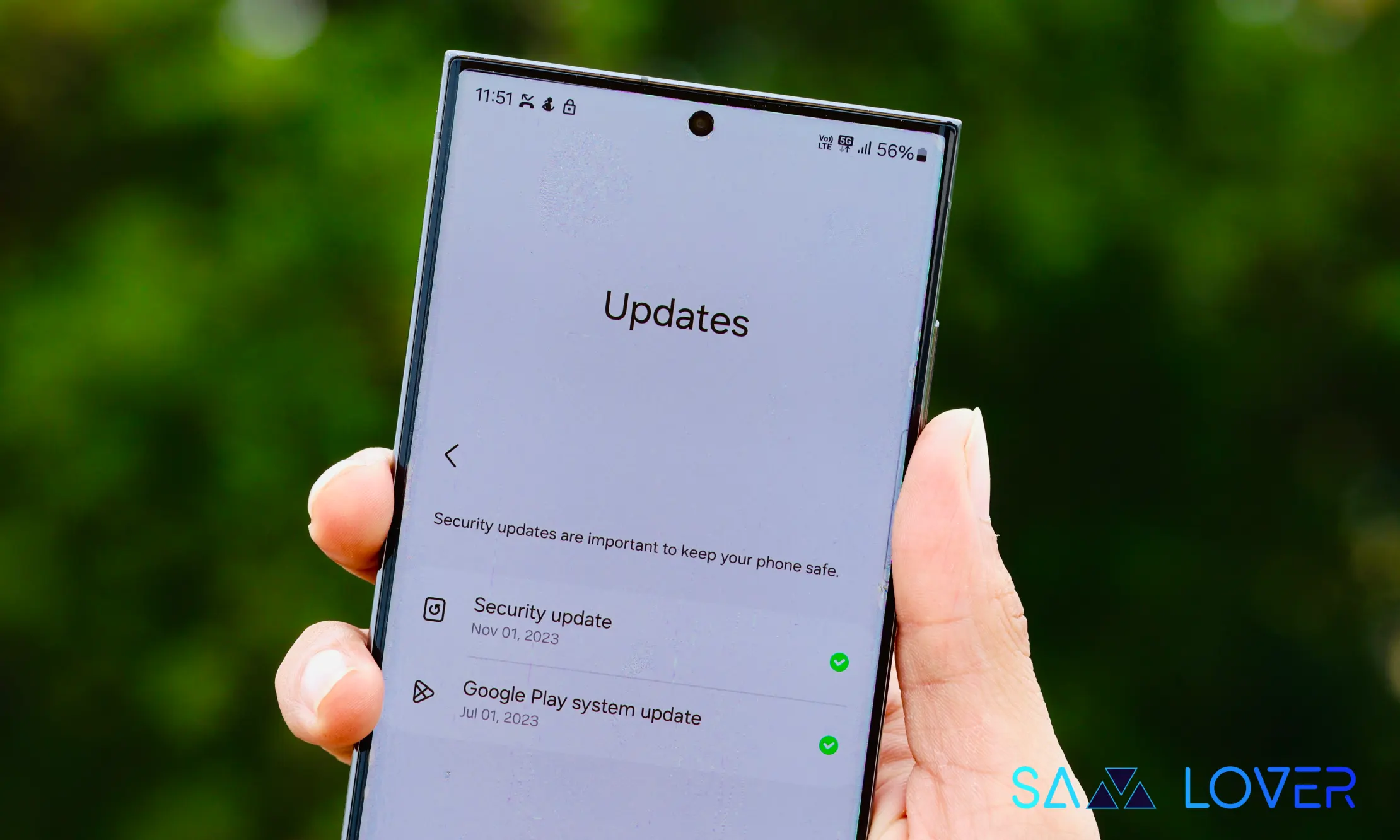
Google System Release Notes: What the Latest Updates Mean for Android Users- Every month, Google publishes its Google System Release Notes, outlining the latest updates delivered through several core Android components. These updates mainly affect Play services, the Play Store, and the Play system update, and they roll out across a wide range of devices including Android phones and tablets, Wear OS smartwatches, Google and Android TV devices, Android Auto systems, and even some PC environments.
Unlike major Android version updates that arrive less frequently, these system-level updates are designed to improve devices continuously throughout the year. They bring performance improvements, new features, security enhancements, and developer tools without requiring a full operating system upgrade.
What the Google System Updates Cover
Google System updates focus on three main platforms:
- Google Play services – Handles background services that support many apps and system features.
- Google Play Store – Manages app downloads, updates, and store features.
- Google Play system update – Provides modular system updates that improve security and core Android functionality.
These updates are distributed directly by Google, allowing devices to receive improvements even if manufacturers or carriers have not released a full Android software update.
Updates Across Multiple Platforms
The release notes apply to a broad ecosystem of devices powered by Android and related operating systems. This includes:
- Smartphones and tablets
- Smartwatches running Wear OS
- Smart TVs powered by Android TV and Google TV
- In-car systems using Android Auto
- Some PC platforms that integrate Android services
While some improvements are visible to everyday users, many changes are designed for developers to enhance how their apps interact with the Android system.
First-Party Apps Included in the Google System
Google’s system update framework includes several built-in apps and services that work behind the scenes to maintain device functionality, performance, and security. These apps are typically preinstalled and updated through the Play system infrastructure.
Here are some of the key components that make up the Google System.
Adaptive Connectivity Services
This service helps manage network connections on Android devices. It automatically adjusts connectivity features to balance battery life, data usage, and performance depending on how the device is being used.
Android System Intelligence
A background service responsible for many smart features in Android, such as contextual suggestions, smart text selection, and on-device machine learning capabilities.
Android System Key Verifier
This tool helps ensure that encryption keys and authentication systems function correctly, improving the security of sensitive communications and data transfers.
Android System SafetyCore
SafetyCore supports Android’s security infrastructure and contributes to system-level protections designed to safeguard devices from malicious activity.
Android System WebView
Android System WebView allows apps to display web content without opening a full browser. Many apps rely on this component to load webpages or embedded online features.
Android TV Core Services
This package supports the basic functionality of smart TVs running Android TV or Google TV, enabling key system features and services required for streaming devices.
Device Health Services
This component tracks and analyzes how the device’s battery is used. It powers Android’s battery optimization features and helps provide accurate battery usage insights.
Google Partner Setup
Google Partner Setup assists device manufacturers in configuring Google services correctly on Android devices during setup and activation.
Google Play Protect Service
Google Play Protect continuously scans apps and devices for potential security threats. It helps detect harmful applications and keeps Android devices protected from malware.
Google Play Services for AR
This service powers augmented reality experiences on supported devices. Apps that rely on ARCore use this component to enable immersive AR features such as object tracking and environmental detection.
Private Compute Services
Private Compute Services manages sensitive on-device processing used for privacy-focused machine learning tasks. It allows features like smart suggestions to operate without sending personal data to external servers.
Quick Share Extension
This extension enhances Android’s built-in file-sharing feature Quick Share, allowing users to quickly send files, photos, and links between compatible devices.
Settings Services
Settings Services provides additional functionality inside the Android settings menu, including search suggestions and device configuration improvements.
SIM Manager
SIM Manager helps manage SIM card functionality, including switching networks, configuring carrier settings, and supporting dual-SIM capabilities on compatible devices.
System Parental Controls
This component supports family management tools that allow parents to control screen time, app access, and device usage for children.
How to Check Versions of Google System Apps
Most of these system components can be found by opening the App Info section in Android settings. Users can view version numbers and update details by navigating to the app’s information page.
For the Google Play system update, users can check the installed version by going to:
Settings → About phone → Android version
This section displays the latest system update installed through Google’s modular update framework.
Why These Updates Matter
The Google System update program plays a major role in keeping Android devices secure and up to date. Because these updates are delivered through the Play ecosystem rather than full operating system updates, they can reach users faster and more frequently.
This approach allows Google to quickly introduce improvements, fix vulnerabilities, and roll out new capabilities across millions of devices worldwide without waiting for manufacturer-specific updates.
As Android continues to expand across phones, wearables, cars, and smart home devices, the Google System framework ensures that the core platform remains reliable, secure, and consistently updated.
In short, while many of these updates run quietly in the background, they form the backbone of the modern Android experience, helping devices stay efficient, secure, and ready for the latest apps and services.