
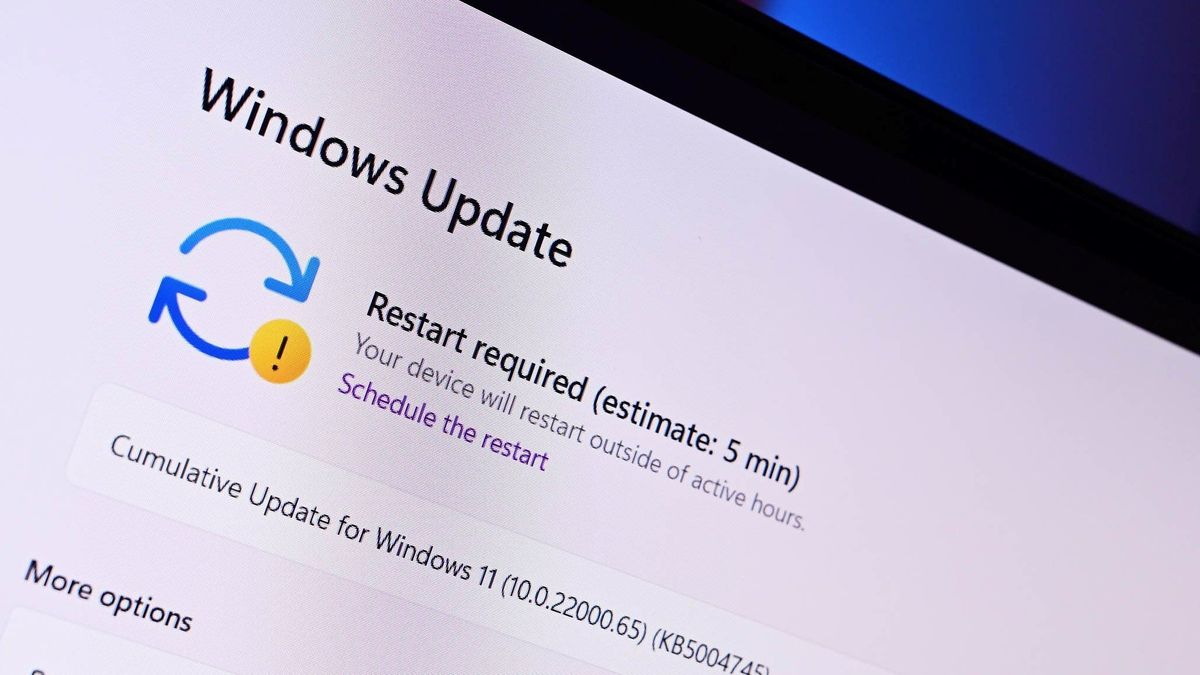
Windows 11 Finally Lets You Restart Without Forced Updates- For years, one of the most frustrating quirks of Windows 11—and before it, Windows 10—was the way updates could hijack something as simple as restarting your PC. You’d click “Restart,” expecting a quick reboot, only to be trapped in an unskippable update process. Now, Microsoft is finally addressing that long-standing pain point with a change that gives users back control over their devices.
Restart now actually means restart
The biggest highlight of this update is straightforward but impactful: you can now restart or shut down your PC immediately, even if updates are pending. Instead of being forced into installing updates first, Windows will let you decide whether to proceed with them or not. This small shift fixes a surprisingly disruptive issue, especially for users who need to reboot quickly—whether for troubleshooting, switching environments, or just shutting down before heading out.
Previously, Windows would often prioritize updates over user intent. That meant delays, unexpected downtime, and in some cases, lost productivity. With this update, the power menu becomes predictable again, aligning with what users expect when they click restart or shut down.
Optional updates, not forced interruptions
Another major improvement is how Windows handles updates overall. While updates are still important for security and performance, they’re no longer forced at inconvenient moments. Users will now have clearer choices when interacting with the power menu, including options to update and restart or skip updates entirely.
This change reflects a broader shift in Microsoft’s approach. Instead of aggressively pushing updates at every opportunity, the company is moving toward a model that respects user timing and workflow. It’s a subtle but meaningful evolution in how the operating system behaves.
Faster return to your workflow
Microsoft isn’t stopping at just fixing restart behavior. The update also introduces improvements to how your system recovers after a reboot. Windows will attempt to restore previously opened applications more quickly, helping you get back to work with minimal disruption.
This feature is particularly useful for people who multitask heavily or rely on multiple apps throughout the day. Rather than manually reopening everything after a restart, users can expect a smoother transition back into their workflow.
More control over update scheduling
Beyond the restart fix, Windows 11 is also gaining better tools for managing updates. Users will now be able to:
- Delay updates in increments of up to 35 days, offering more flexibility in when updates are applied
- Choose a specific day for installation, making it easier to plan around work or personal schedules
- Avoid forced update downloads during initial setup (OOBE), allowing faster access to the desktop
These changes collectively give users a much-needed sense of control. Instead of feeling like updates are imposed on them, users can now decide when and how updates fit into their routine.
A long-overdue quality-of-life fix
While this update might not seem groundbreaking on the surface, it addresses one of the most widely criticized aspects of modern Windows versions. Forced updates have been a persistent annoyance for years, often overshadowing otherwise positive improvements in the operating system.
By fixing this behavior, Microsoft is showing a willingness to listen to user feedback and refine the experience. It’s not just about adding new features—it’s about removing friction from everyday interactions.
Rolling out gradually
At the moment, this feature is being tested in Windows Insider builds, which means it’s not yet available to all users. However, given its practical benefits and relatively low risk, it’s expected to roll out to the broader public in the near future.
Once it does, it could significantly improve how people perceive Windows updates. Instead of dreading restarts, users can finally trust that their system will do exactly what they ask.
The bottom line
This update may not grab headlines like major redesigns or new AI features, but it solves a real, everyday problem. Windows 11 finally puts control back in the hands of the user, making restarts faster, updates less intrusive, and the overall experience more predictable.
Sometimes, the most impactful changes aren’t the flashiest—they’re the ones that make your daily interactions just a little bit smoother.