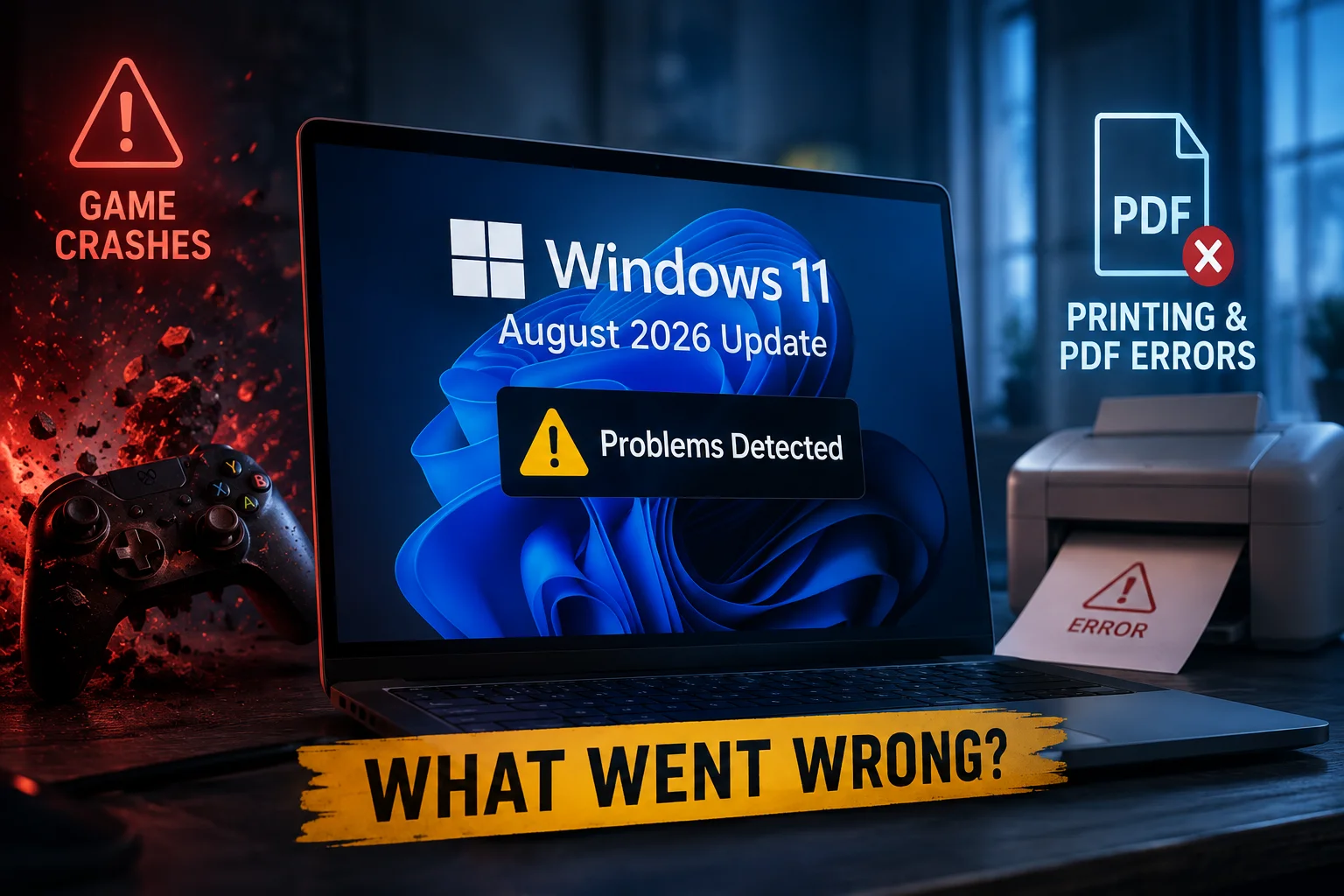
The confirmation comes after users began reporting difficulties installing the latest Patch Tuesday release. Some affected devices are encountering error messages during installation, while others are reportedly getting caught in repeated restart attempts.
Microsoft has also identified a separate printing problem that can prevent certain documents from being printed correctly. Although the company says the issue does not generally affect existing printers or routine printing operations, the problems could create difficulties for businesses and organisations relying on Windows-based printing systems.
Windows 11 Update Introduces Printer Installation Problems
According to Microsoft’s support documentation, KB5132061 addresses an issue involving printers published through Active Directory, a technology commonly used by businesses to manage computers, users and network resources.
The problem occurs when users attempt to add an existing network printer through Windows Settings by navigating to Bluetooth & Devices, selecting Printers & Scanners and choosing Add a Device.
Instead of completing the process, Windows may display Error 87, accompanied by the message “The parameter is incorrect.”
Microsoft confirmed that the problem originated with the October 2026 update and acknowledged it again in its November servicing documentation.
The company clarified that the issue does not normally affect printers that have already been installed or everyday printing operations. However, organisations that regularly add network printers through Active Directory could encounter difficulties when configuring new devices.
The problem is particularly relevant to corporate IT administrators responsible for maintaining large networks of computers and shared printing equipment.
November Security Update Can Also Break Certain Documents
A separate printing issue has also emerged following the November security update.
In a statement shared by Microsoft on Reddit, the company explained that documents containing images with zero height or width at the selected printing resolution may fail to print after installing the November 2026 update or subsequent releases.
These unusual image objects are sometimes included in documents even when they are not visible to the user.
For example, certain document formatting systems use invisible images as watermarks, positioning anchors or layout elements. Document-generation software can also insert image objects without displaying an actual graphic.
Microsoft said the problem has been observed when printing Microsoft Word documents through the Windows Graphics Device Interface (GDI). However, the company warned that other applications could potentially experience similar failures.
This means users might encounter printing problems even when their printer is functioning normally and other documents print without difficulty.
Microsoft said it is investigating the issue and promised to provide additional information as its investigation progresses.
KB5132061 Installation Failures Affect Some Windows 11 Computers
Printer problems are not the only concern surrounding the November update. Microsoft has also confirmed that some users are unable to install KB5132061 successfully.
According to information reported by BleepingComputer, affected computers may encounter several error codes, including:
- 0x80070306
- 0x800f0989
- 0x800f0993
In some cases, Windows repeatedly attempts to install the update without completing the process. Other affected devices reportedly enter continuous restart cycles, creating additional disruption for users.
Microsoft says the installation problem affects a limited number of devices that previously installed the October 2026 non-security preview update, KB5127936.
Computers that did not receive that particular preview release are not affected by this specific installation problem, according to the company’s explanation.
Microsoft Promises Automatic Fix for Affected Devices
Microsoft has indicated that it is working on an automatic solution to address the installation failures.
The company has promised to resolve the issue for affected customers by Friday morning, meaning users should not need to manually download additional software or make complicated changes to their Windows settings.
Once the correction has been applied, the November security update should automatically download and install through Windows Update.
Microsoft explained that the installation process would resume automatically after the fix reaches an affected device.
However, users will have to wait to determine whether the promised solution resolves the reported problems completely.
The timing is also challenging for Microsoft, as the company is dealing with broader service disruptions, including a reported Microsoft 365 outage.
Why the November Update Matters
Despite the reported problems, KB5132061 remains an important release because it includes security patches addressing vulnerabilities in Windows 11, alongside additional improvements and features.
Security updates are particularly important because delaying them can leave computers exposed to vulnerabilities that attackers may exploit.
For users who have already installed the update, Microsoft’s guidance suggests that ordinary printing should generally continue working, although certain specialised documents and network printer configurations may be affected.
For businesses, the situation deserves closer attention, particularly where Active Directory printer deployment and automated document-generation systems are widely used.
Microsoft is investigating the remaining printing issues, while its promised automatic installation fix is expected to help affected computers complete the November security update without requiring manual intervention.